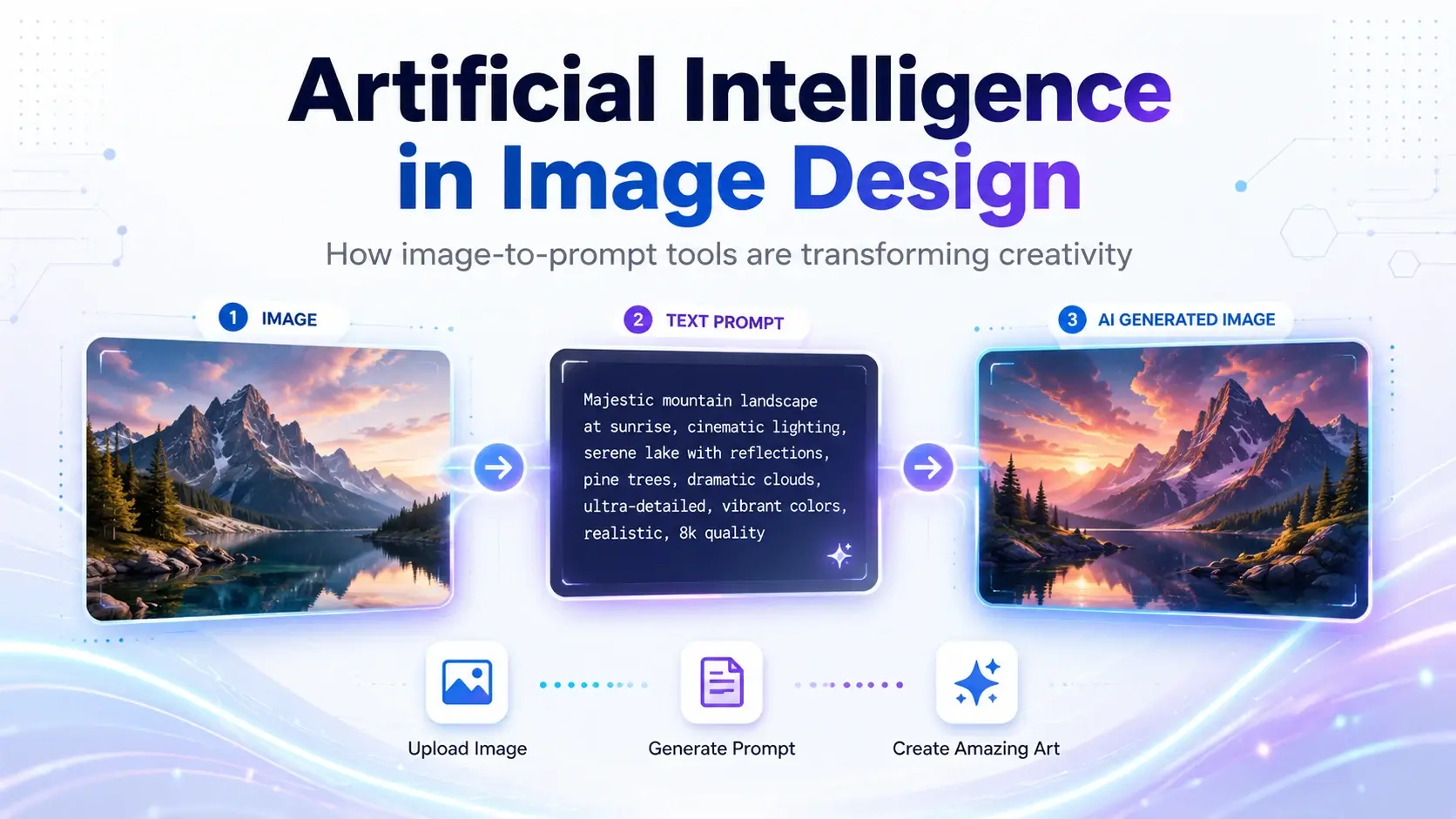
Artificial intelligence has changed the way images are designed, edited, and developed. In the past, creating a professional visual often required advanced design skills, expensive software, and many hours of work. Today, AI-powered platforms allow designers, marketers, content creators, and business owners to generate high-quality images from simple text instructions.
One of the most useful developments in this field is Image to prompt technology. It allows users to upload an existing image and receive a detailed text description that can be used to create similar visuals with AI image-generation tools.
What Is AI Image Design?
AI image design is the process of using artificial intelligence to create, improve, or analyze visual content. Instead of designing every element manually, users can describe the image they want, and the AI generates it based on that description.
For example, a user can request:
A cinematic photograph of a futuristic city at night, featuring neon lights, reflective streets, dramatic lighting, and a wide-angle camera view.
The AI interprets the prompt and produces an image that matches the requested style, atmosphere, composition, and details.
AI can assist with:
- Social media designs
- Website illustrations
- Product advertisements
- Concept art
- Logo ideas
- Marketing campaigns
- Educational visuals
- Blog and article images
- Interior design concepts
- Cinematic scenes
This technology does not necessarily replace designers. Instead, it helps them explore ideas faster, test different visual directions, and reduce the time required for repetitive tasks.
What Is an Image to Prompt Tool?
An image to prompt generator analyzes an uploaded image and converts its visual characteristics into a written AI prompt.
The tool may identify elements such as:
- Main subject
- Background
- Lighting
- Camera angle
- Color palette
- Artistic style
- Composition
- Materials and textures
- Mood and atmosphere
- Level of detail
The generated description can then be used in an AI image generator to recreate a similar visual style or develop a completely new version.
A traditional designer may look at an image and manually describe its visual elements. An image prompt generator automates much of this process, making prompt creation easier for beginners and faster for professionals.
How Does a Prompt Generator from Image Work?
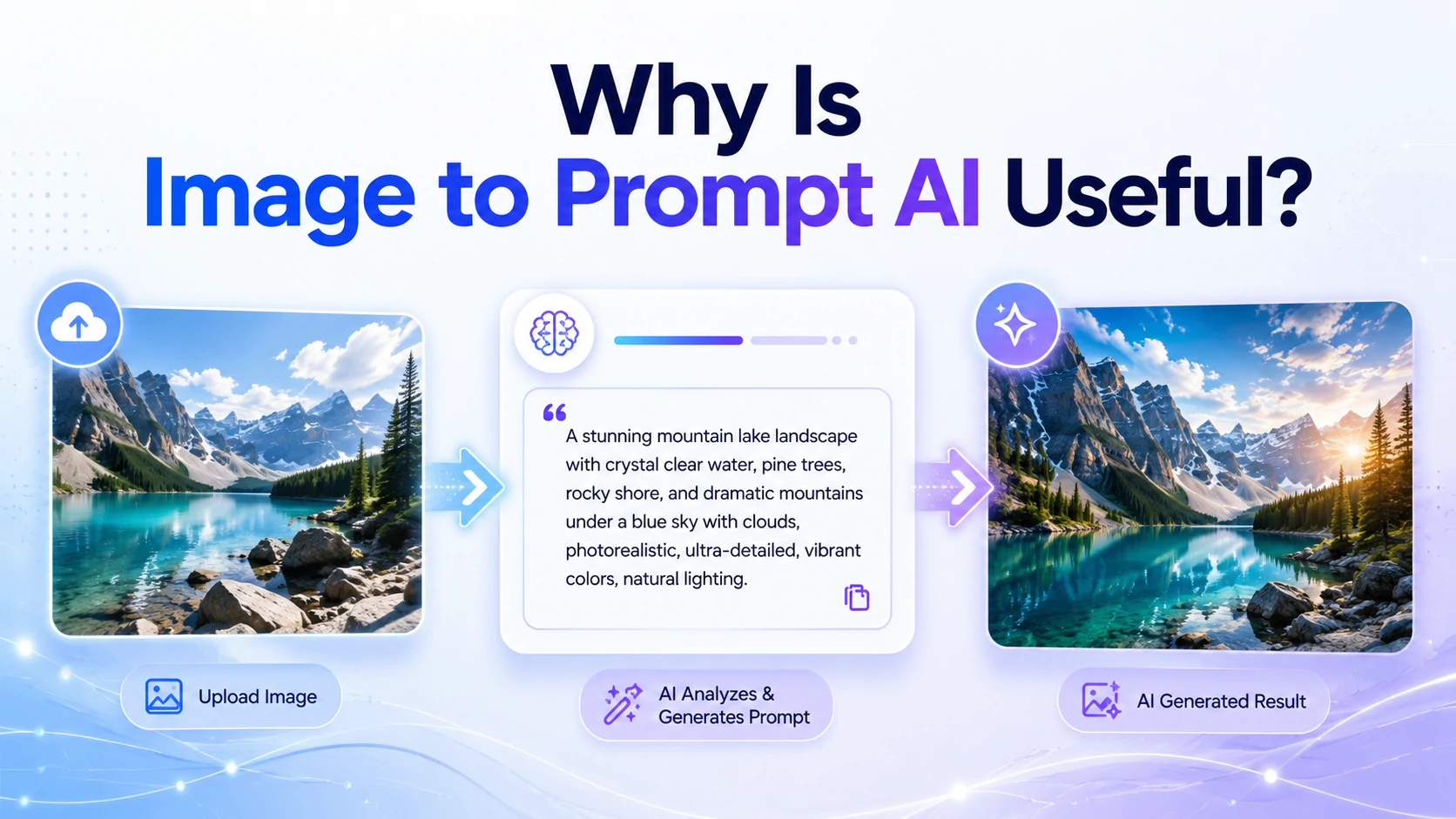
A prompt generator from image uses computer vision and language-processing models to understand visual content. After the image is uploaded, the system examines its objects, environment, design style, lighting, and composition.
It then produces a structured text prompt. For example, an uploaded photograph of a luxury watch may be converted into a prompt such as:
Professional product photograph of a luxury silver wristwatch placed on a dark marble surface, soft studio lighting, shallow depth of field, elegant reflections, premium advertising style, high detail.
This prompt can be edited before being used. A user might change the watch color, replace the marble background, add dramatic lighting, or select a different camera perspective.
The result is greater creative control without having to write a complex prompt from the beginning.
Why Is Image to Prompt AI Useful?
Image to prompt AI is useful because visual ideas are not always easy to describe. A person may find an inspiring image but struggle to identify the correct words for its lighting style, artistic technique, lens effect, or composition.
An AI tool can translate those visual details into language.
This is especially valuable for:
Designers
Designers can study visual styles and create new concepts inspired by a reference image without manually analyzing every detail.
Marketers
Marketing teams can generate prompts for advertisements, product images, social media posts, and branded campaigns.
Content Creators
Creators can develop thumbnails, backgrounds, illustrations, and visual concepts that maintain a consistent style.
Business Owners
Small businesses can produce professional product concepts and promotional visuals without hiring a large creative team for every task.
AI Beginners
People with little experience in prompt writing can understand how effective image prompts are structured.
Benefits of Using a Free Image to Prompt Generator
A free image to prompt generator gives users the opportunity to explore this technology without purchasing professional software immediately.
It can help users:
- Learn how AI describes images
- Understand prompt structure
- Generate creative ideas quickly
- Improve basic prompts
- Experiment with multiple image styles
- Save time during brainstorming
- Create descriptions for visual references
However, free tools may have limitations, such as daily usage limits, shorter prompts, fewer customization options, or lower image-analysis accuracy.
For basic projects and prompt-writing practice, an image to prompt free tool can still provide excellent value.
How to Choose an Image to Prompt Generator Free of Complicated Features
When selecting an image to prompt generator free tool, users should focus on practical features rather than choosing the platform with the largest number of options.
A useful tool should provide:
Accurate Image Analysis
The generated prompt should describe the actual subject, setting, lighting, and visual style of the uploaded image.
Editable Results
Users should be able to modify the generated prompt before using it in another AI platform.
Detailed Descriptions
A strong tool should describe more than the main object. It should also recognize composition, atmosphere, colors, textures, and photography style.
Simple User Experience
The upload and generation process should be clear, fast, and accessible to beginners.
Multiple Prompt Styles
Some tools provide short, detailed, cinematic, artistic, or product-focused prompt formats.
The best option depends on the user’s goals. A professional designer may need highly detailed descriptions, while a casual user may prefer short and simple prompts.
Turning Photos into Creative AI Prompts
A photo to prompt generator is especially useful for photography and realistic AI image creation. It can examine a portrait, landscape, product photograph, or architectural image and convert it into a detailed prompt.
For portrait photography, the generated prompt may include:
- Facial expression
- Clothing
- Pose
- Lighting direction
- Camera lens
- Depth of field
- Background style
- Skin-tone rendering
- Photography genre
For landscape photography, it may describe:
- Weather conditions
- Time of day
- Natural environment
- Perspective
- Color tones
- Atmospheric effects
Users can then change specific parts of the prompt. A daytime photograph can become a nighttime scene, a summer landscape can become a winter environment, or a realistic portrait can be transformed into a digital painting.
Tips for Creating Better AI Images
Image-to-prompt technology provides a strong starting point, but the generated description should often be refined.
Keep the Main Subject Clear
The prompt should clearly explain what the image is about. Avoid including too many competing subjects.
Describe the Visual Style
Specify whether the image should look realistic, cinematic, minimal, futuristic, illustrated, three-dimensional, or hand-painted.
Add Lighting Details
Lighting has a major effect on the final result. Useful descriptions include soft studio lighting, golden-hour sunlight, dramatic shadows, neon lighting, or natural window light.
Control the Composition
Mention camera perspective, subject position, framing, and background arrangement.
Include Mood and Atmosphere
Words such as calm, luxurious, mysterious, energetic, elegant, or dramatic help the AI understand the intended emotional direction.
Remove Unnecessary Details
A longer prompt is not always better. Every description should contribute to the desired result.
The Future of Artificial Intelligence in Image Design
AI image-design tools will likely become more accurate, flexible, and accessible. Designers may increasingly use AI to generate initial concepts, explore creative variations, build storyboards, and test visual ideas before completing the final design manually.
Image analysis will also become more detailed. Future tools may provide stronger control over composition, brand identity, lighting, character consistency, and visual editing.
The most successful creative workflows will combine human judgment with AI speed. Artificial intelligence can generate possibilities, but people still provide strategy, originality, cultural understanding, and emotional direction.
Conclusion
Artificial intelligence is making visual creation faster and more accessible. Tools such as Image to prompt, an image to prompt generator, and an image prompt generator help users understand existing visuals and convert them into detailed instructions for AI image platforms.
Whether someone uses a prompt generator from image, an image to prompt AI platform, a free image to prompt generator, an image to prompt free service, an image to prompt generator free tool, or a photo to prompt generator, the main benefit is the same: transforming visual inspiration into clear, usable prompts.
These tools allow beginners to create better prompts while helping professionals accelerate research, experimentation, and image production. As AI continues to evolve, image-to-prompt technology will become an increasingly important part of modern design workflows.